


How to Clean and Maintain Your First Airsoft Gun So It Keeps Working
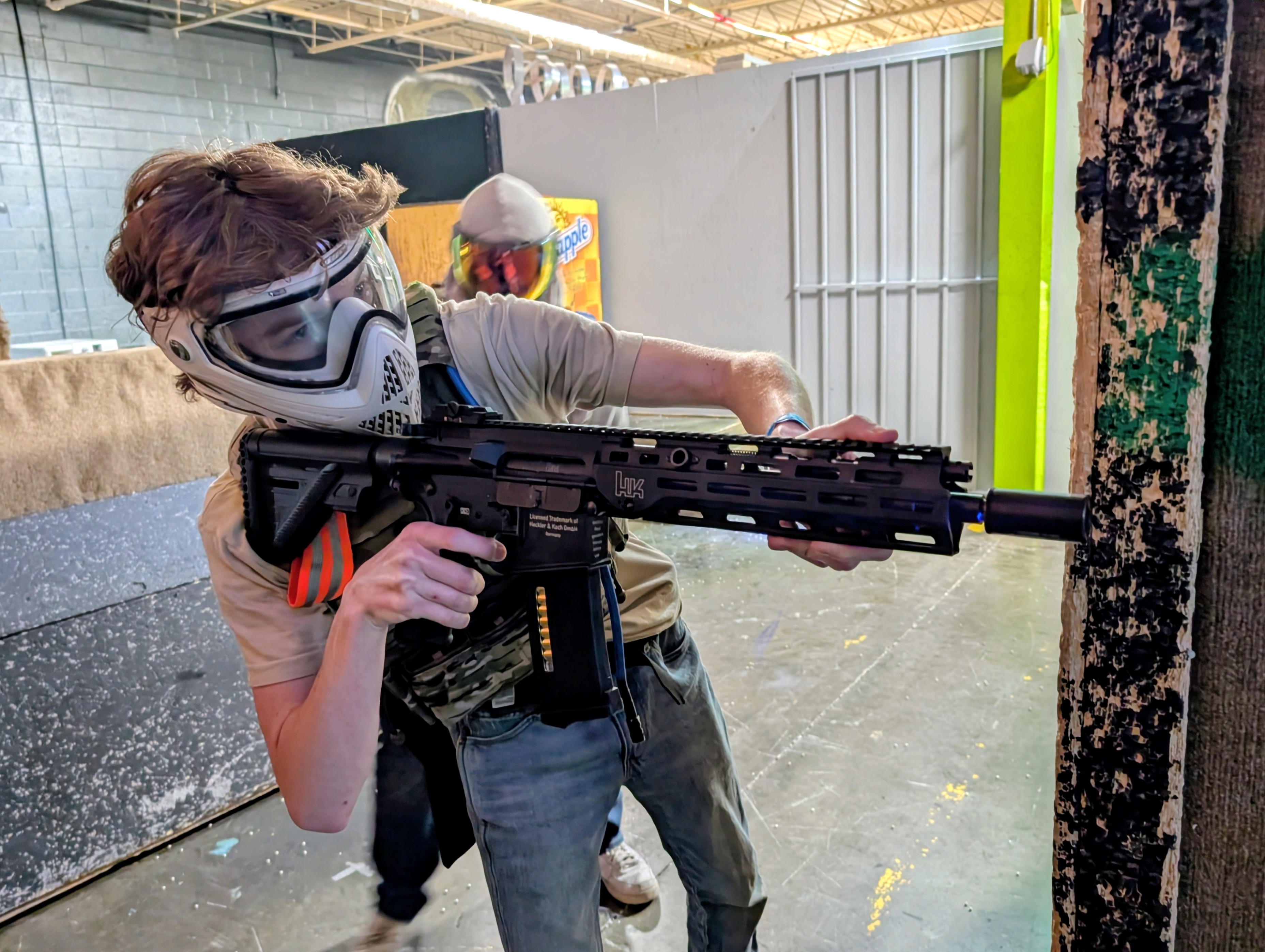
Your first game is over. Now comes the part many new owners skip: cleaning and maintaining the gun so it stays reliable.
Now that I own an airsoft gun, how do I clean and maintain it so it does not break?
Quick answer: Maintain an airsoft gun by following its model-specific manual: unload before maintenance, wipe the exterior, inspect for damage, and clean the barrel as directed. Use only specified lubricants in designated locations. Follow gas-system or battery storage instructions, and consult the manual before replacing worn parts or attempting unfamiliar repairs.
Why Regular Airsoft Gun Maintenance Prevents Breakdowns
What actually goes wrong when a new owner skips maintenance?
Neglect can leave dirt and wear unnoticed. Follow the manual’s care instructions rather than waiting for a malfunction.
How often should a beginner clean and service their gun?
Use this reminder checklist:
After every game: Check condition.
Monthly: Inspect stored equipment.
Long-term storage: Follow manual-specific preparation.
Keep the beginner’s guide and airsoft glossary handy for unfamiliar terms.
Your After-Every-Game Cleaning Routine, Step by Step
What should I do the moment I get home from a game?
Unload. Remove the magazine and cycle the action per your manual.
Clear the magazine. Tip remaining BBs into a container to relieve spring tension.
Wipe the exterior. Use a dry soft cloth to remove dirt and moisture.
Inspect. Check for cracks, loose screws, and gas-system residue around the fill valve.
Store. Place in a dry case away from sunlight. If you find damage, consult the manual before the next session.
Which tools and supplies do I need on hand before I start?
Keep a lint-free cloth, a 6mm cleaning rod, patches, and 100% silicone oil on hand. Your model manual tells you which parts to oil and which to leave dry. The airsoft glossary clarifies part names; the consumables guide covers BB and supply selection.
How to Clean and Lubricate the Barrel Without Damaging It
Follow your model’s barrel-cleaning instructions; do not assume the barrel needs silicone oil.
How do I run a cleaning rod and patch through the inner barrel safely?
Start with the gun confirmed unloaded and the magazine removed. Thread a clean patch onto the tip of your cleaning rod, the patch should fit snugly enough to make contact with the barrel walls but should never require force to push through. Insert the rod from the muzzle end where possible, since feeding it from the breach risks snagging the hop-up rubber, and push it through with a single smooth stroke rather than back-and-forth scrubbing. Run a dry patch first to remove loose debris, then a second patch if the first comes out heavily soiled. For Elite Force GLOCK models, the GLOCK product manuals show the correct disassembly position for barrel access.
How much silicone oil is too much on the barrel?
One or two drops on a patch is enough, aim for a light film, not a wet bore. Excess oil pools at the hop-up and degrades backspin. Never use WD-40 or petroleum-based lubricants; they swell rubber and cause the failures you are trying to prevent. See the consumables guide for supply selection.
Caring for Gas and CO2 Systems So Seals Stay Sealed
Gas and CO2 seals are small rubber components, and the fastest way to ruin them is to use the wrong lubricant or apply it in the wrong place. Silicone oil is the correct choice for most Elite Force gas-powered models, but where you apply it and how much you use should come directly from your model manual, not from general advice.
How do I keep CO2 and Green Gas seals from drying out?
Do: Follow your model’s seal-lubrication instructions. Do not: Substitute household oils or improvise application points. For GLOCK models, check the GLOCK manuals.
Should I leave gas or a CO2 cartridge in the gun between games?
Follow the model’s storage and depressurization instructions; do not assume one procedure covers both systems. Identify yours with the power-system guide before preparing it for storage.
Battery Care and Storage for AEG Owners
A battery that is stored fully charged or completely flat degrades faster than one kept at the manufacturer's recommended storage level. Before your first long break between games, read the storage section of your battery documentation so you know the target charge state and the conditions your specific chemistry requires.
How should I charge and store an AEG battery between games?
Identify the battery chemistry. LiPo and NiMH batteries have different charge rates, storage voltages, and safety requirements. Check the label and your gun's documentation before doing anything else.
Confirm charger compatibility. Using a charger designed for a different chemistry risks overcharging, swelling, or fire. Match the charger to the battery type, not just the connector shape.
Follow the charging instructions exactly. Set the correct cell count and charge rate as specified in your battery documentation. Never leave a LiPo charging unattended.
Disconnect immediately when charging is complete. Leaving a battery on the charger after the cycle ends shortens its lifespan and introduces safety risk.
Store at the recommended charge level in a cool, dry location. Most LiPo batteries store best around 3.8 V per cell; NiMH batteries tolerate storage at a partial charge. Check your specific documentation for the target figure.
The power-system guide explains AEG basics and can help you identify which battery system your gun uses.
What charge level keeps a battery healthy in long-term storage?
Use the battery manufacturer’s specified storage charge, not a universal percentage. Check its storage conditions before putting equipment away. Consult the airsoft glossary for unfamiliar terms.
When a Rebuild Kit Is the Right Fix and When to Check the Manual
A rebuild kit fixes the problem only when you have already identified which part failed — ordering parts before diagnosis wastes money and can introduce new faults.
What signs tell me a part needs replacing rather than cleaning?
Use this decision framework: if cleaning and re-lubricating the part restores normal function, the part was dirty, not damaged — do not replace it. If the problem returns within a session or two, or if you can see physical damage such as a torn seal lip, a cracked nozzle, or a spring that no longer holds tension, cleaning will not fix it and the part needs replacing. A malfunction symptom alone — low FPS, gas leaking, missed feeding — does not tell you which part failed; you need to isolate the cause before ordering anything. Check model compatibility before choosing rebuild kits, since a seal kit for the wrong platform will not seat correctly and can make the problem worse.
When should I follow the product manual instead of improvising?
Before disassembly, consult your model’s instructions. Find your airsoft gun’s manual here. If the procedure is unclear, stop rather than improvise. Keep the beginner’s guide for broader ownership questions.
Key Takeaways
Run a five-step check after every game: unload, clear, wipe, inspect, store.
Use only 100% silicone oil in manufacturer-approved locations.
Match gas or battery care procedures to your specific model manual.
Diagnose a malfunction before ordering parts; a symptom alone does not identify the failed component.
Frequently Asked Questions
What if I cannot identify my model?
Check the packaging and product markings before selecting maintenance instructions or replacement parts.
Should I keep a maintenance log?
A brief record of cleaning, symptoms and replaced parts gives you a reference for future troubleshooting.
What should I ask before buying a kit?
Confirm that the kit fits your exact model and contains the parts needed for the identified repair.
For confirmed seal or internal-part wear, check compatible rebuild kits and Shop Direct. Consult the GLOCK product manuals for model-specific instructions where applicable.


